Tutorial 4 - Plot animated cube slice
Important
specex-cube-anim requirest the python package imageio [:ref:1]
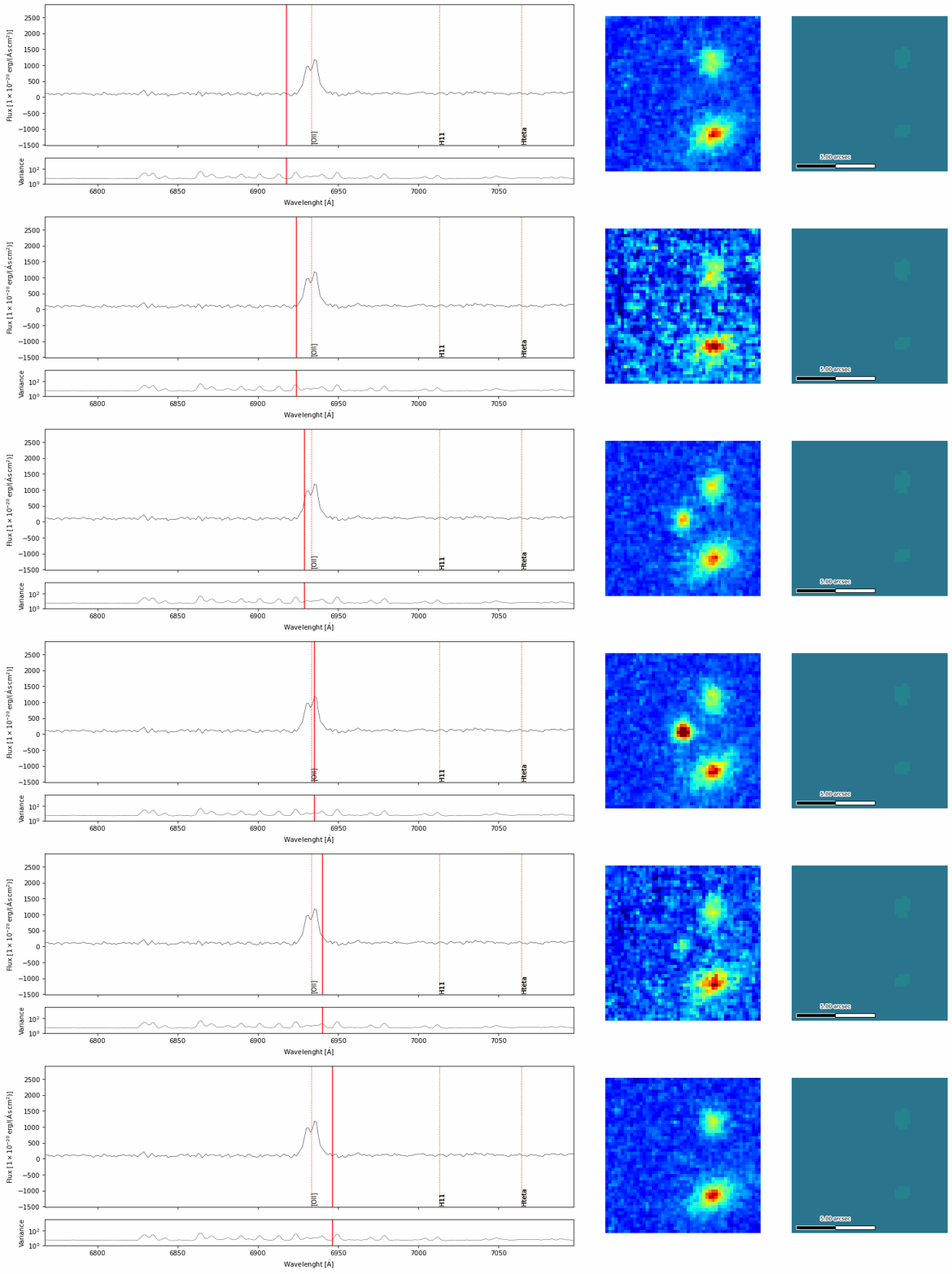
We can plot animated gif of the specrtum of one or more objects using the command specex-cube-anim, for example
specex-cube-anim -z 0.86 --cube-smoothing 0.5 --cutout ADP.2023-09-01T12_56_41.595_data.fits ADP.2023-09-01T12_56_41.595.fits 6932.0 30 extracted_spectra_wsum/spec_14.fits --outname spec_anim_14.gif
will generate an animated gif named spec_anim_14.gif for the spectrum spec_14.fits. It will extract a cutout from the whiteligh image ADP.2023-09-01T12_56_41.595_data.fits and will overlay the most common emission/absorption lines for a redshift of 0.86. The resulting image should be like this one